 nibble
Most desktop pets keep you company. Nibble also keeps you in touch. Your friends’ pets drop onto your screen to say hi, and everything you send travels through your pets.
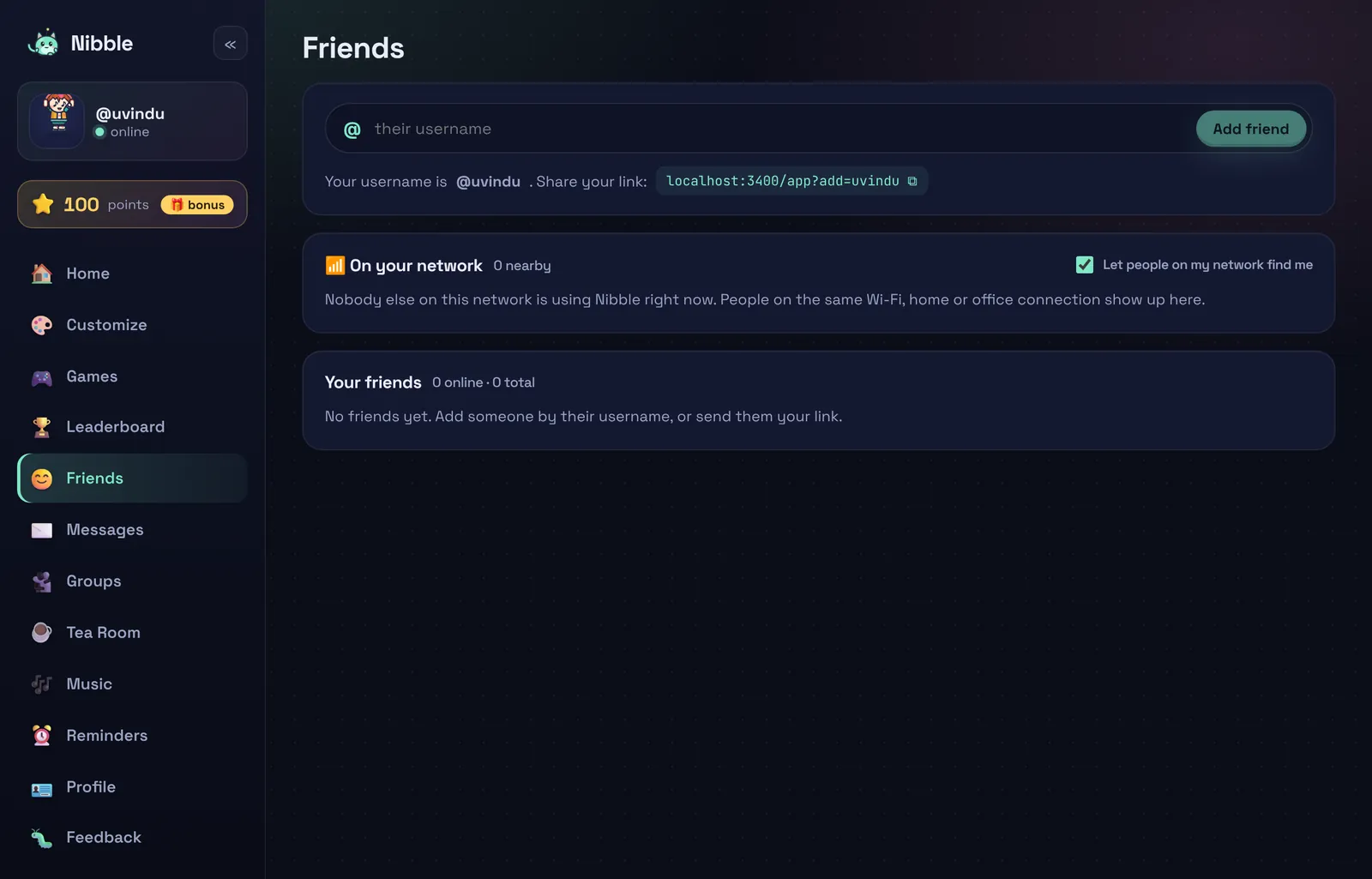
Add friends by username
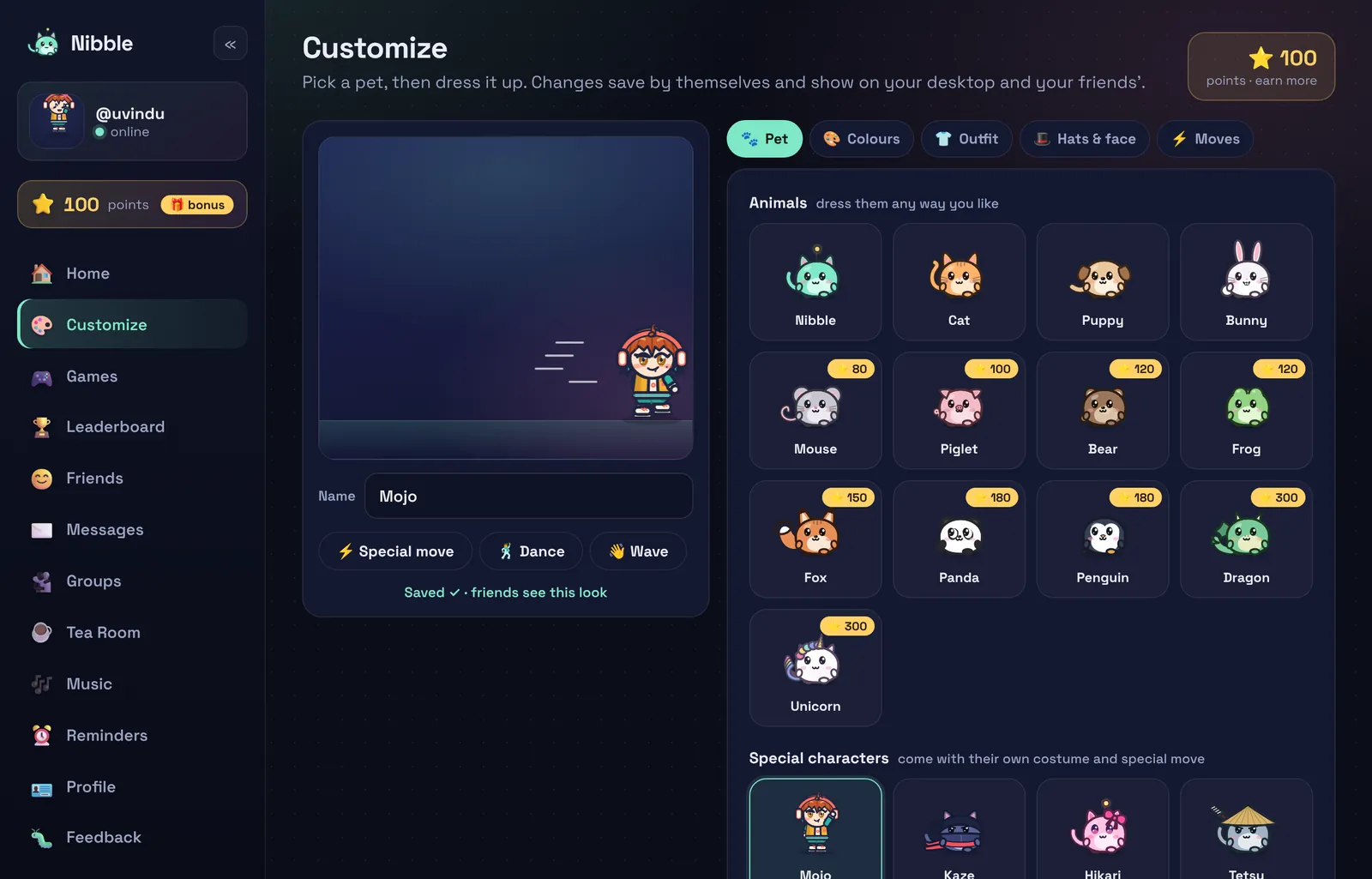
Sign in to the Hub, pick a username (it’s how friends find you), and add friends by theirs. Once they accept, your pets visit each other’s desktops whenever you’re both online, each with a little name tag. Your pet wears whatever you dressed it in, so your friends see your look too.
Talk through your pets
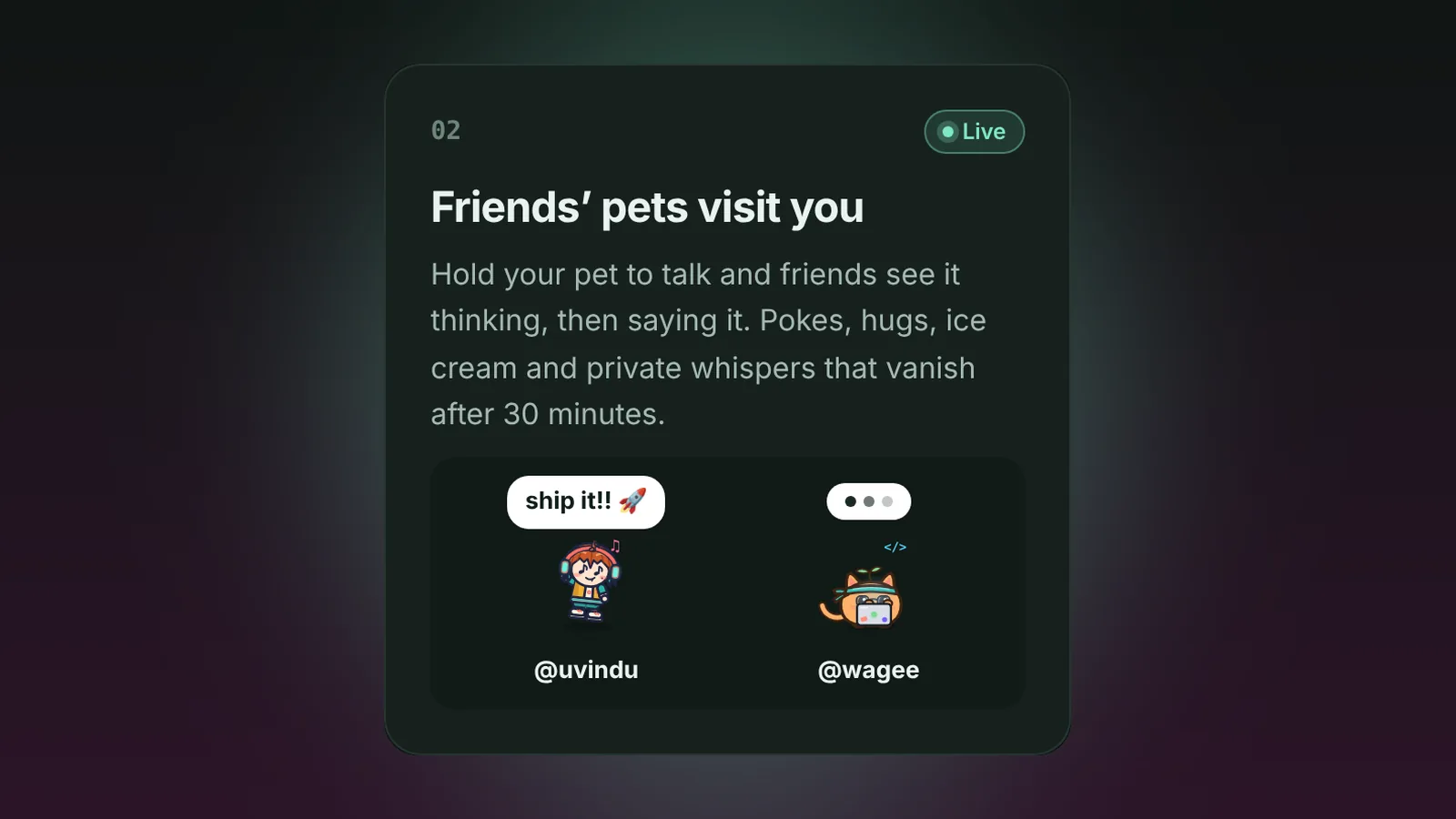
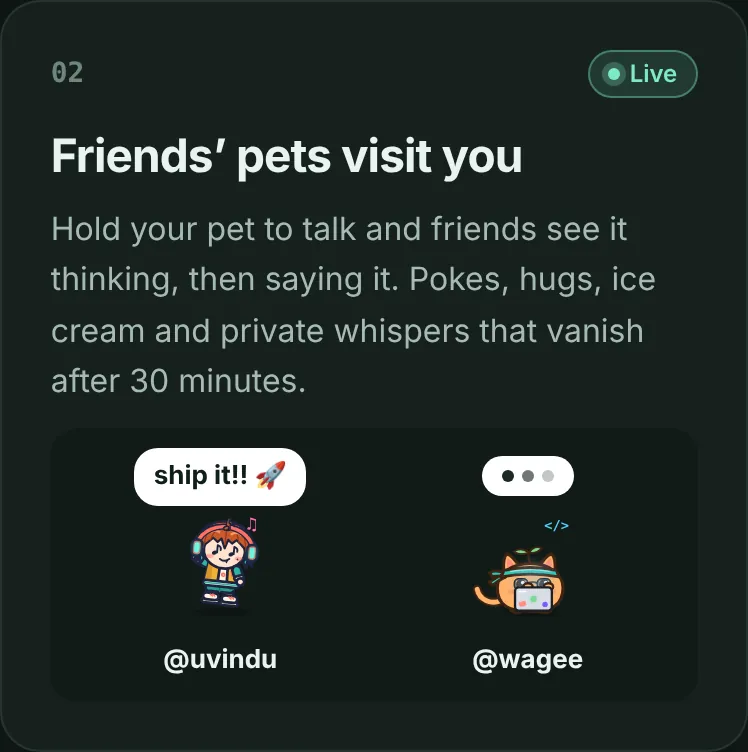
Hold your pet, type a short message and let go. Your friends see your pet start thinking, then say it out loud on their screen. You can also send something just to one friend:
- Whispers: private messages that only the two of you see, and that disappear after 30 minutes.
- Emotes: wave, cuddle, poke, high five, tickle, cheer, share a snack or an ice cream, dance together and more. Your pet walks over and does it.
- Reactions: like, love, haha, wow, sad or angry on messages.
Groups: your crew, together
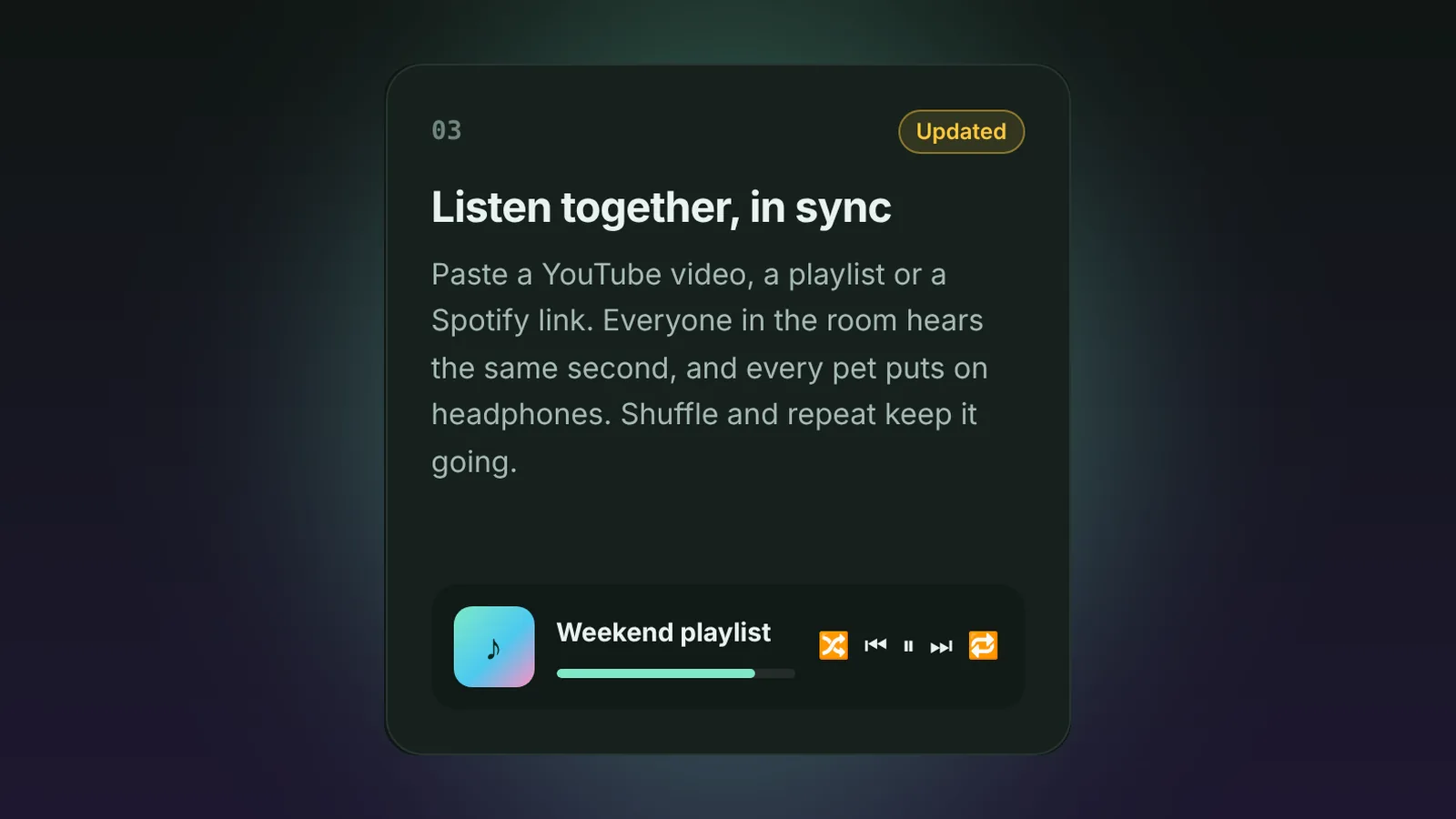
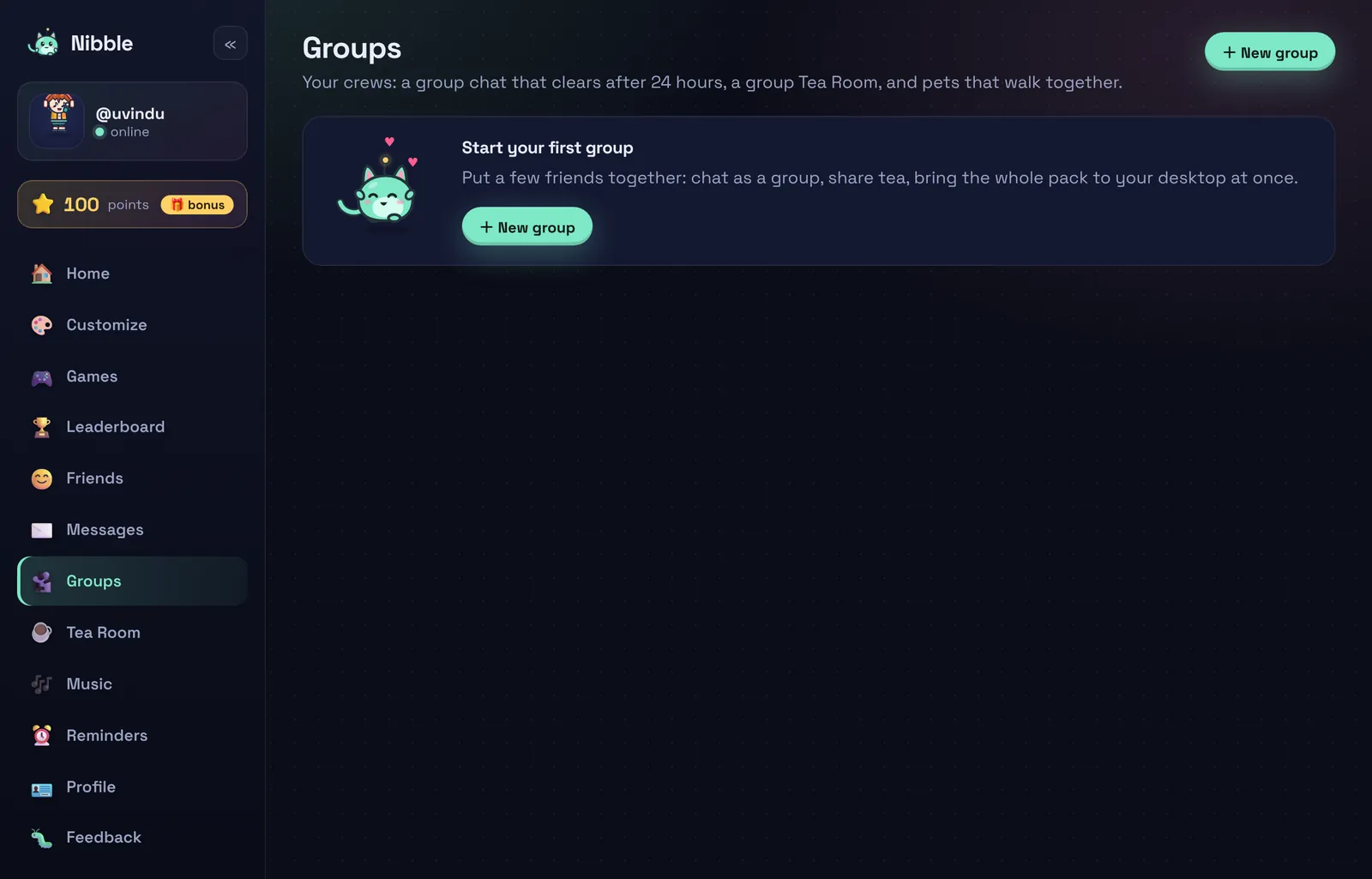
Make a group with up to 20 friends. Every group has a chat that clears itself after 24 hours, so it stays light. Bring the whole pack’s pets to your desktop for a group walk, wave at everyone at once, start a music room for the group, or check the group’s points.
The Tea Room
The Tea Room is a feed for everyone on Nibble, plus one for each of your groups. Post as yourself or anonymously, react, comment and answer the question of the day. Posts that get reported by several people hide themselves, and the Nibble team can remove anything that breaks the rules.
You stay in control
- Do not disturb hides friends’ pets and messages for a while, and friends see that you’re busy.
- Appear offline stops your pet from visiting, while you still see theirs.
- Remove a friend any time; their pet stops visiting straight away.
- Friends only see your username, your pet and what you send. The apps you use stay private.
Get Nibble, free
A desktop pet for Windows 10/11 and macOS 12+. No ads. Your pet lands on your desktop about a minute after you download.