 nibble
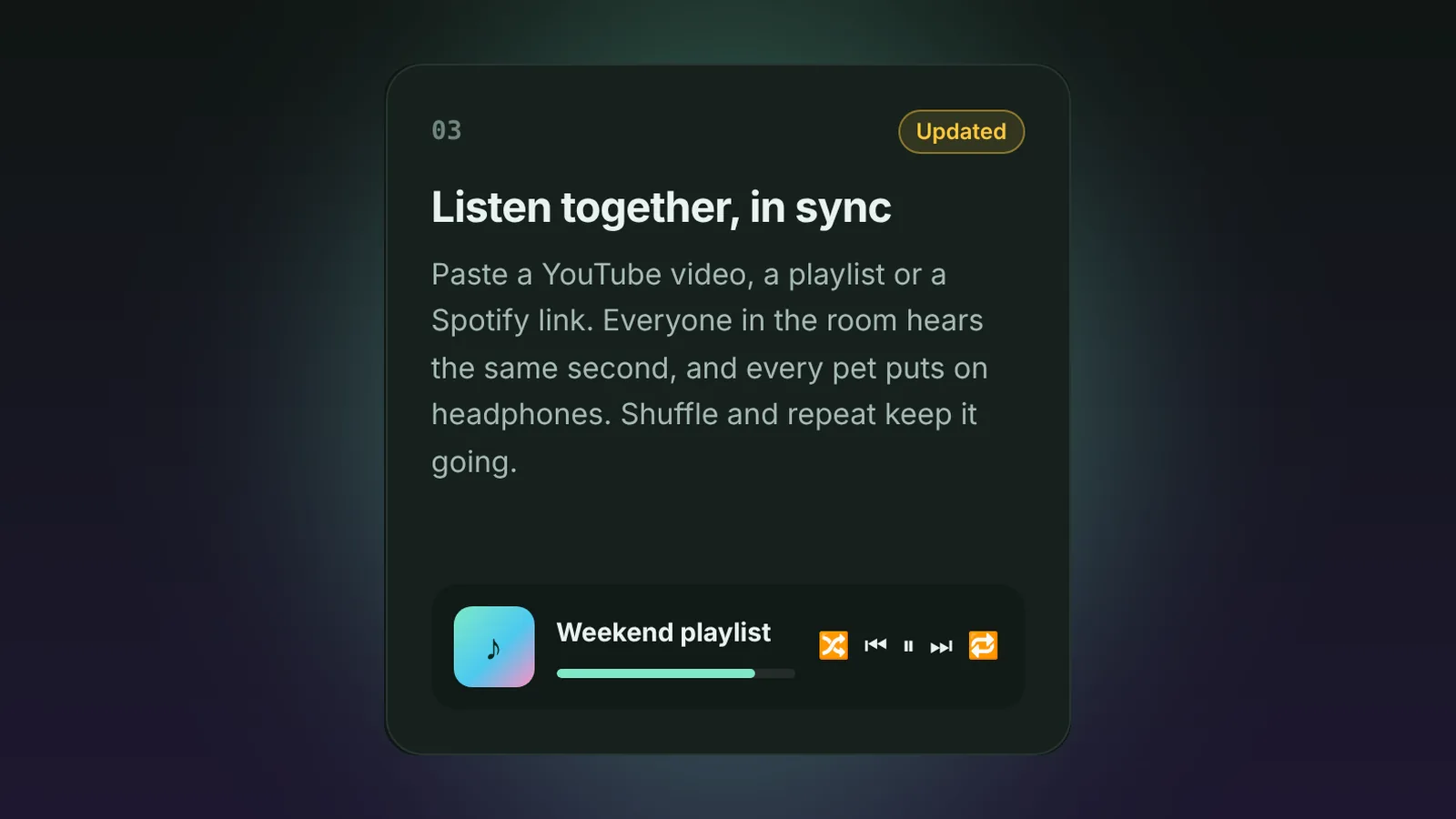
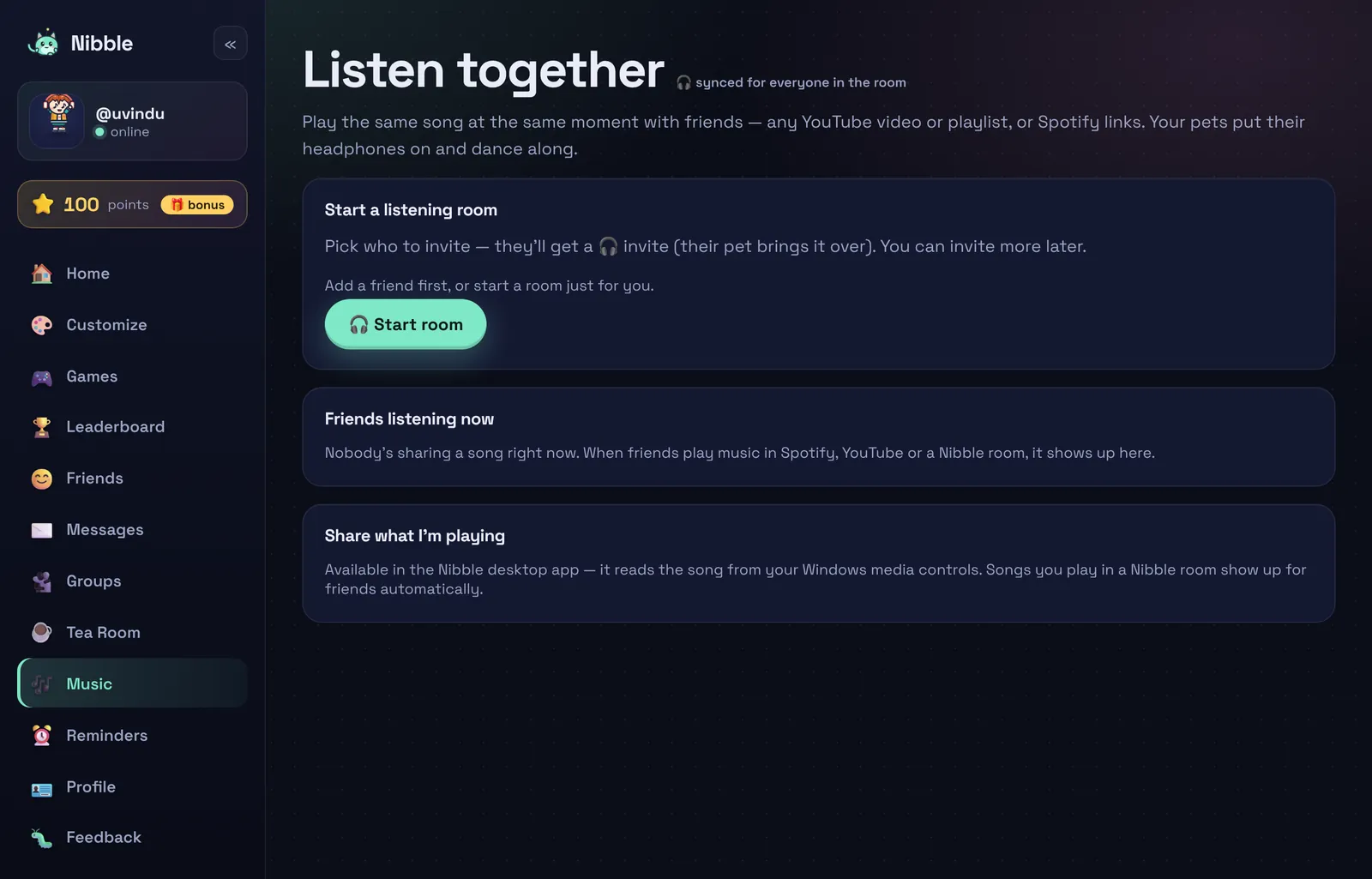
Sharing a song used to mean sending a link and hoping your friend pressed play at the right moment. Nibble’s Listen Together rooms keep everyone on exactly the same second, and every pet in the room puts on headphones.
How to start a room
- Open the Nibble Hub and go to Music.
- Start a room and invite friends (or a whole group).
- Paste a YouTube video, a YouTube playlist or a Spotify link. Everyone in the room hears it at the same moment.
Everyone can DJ
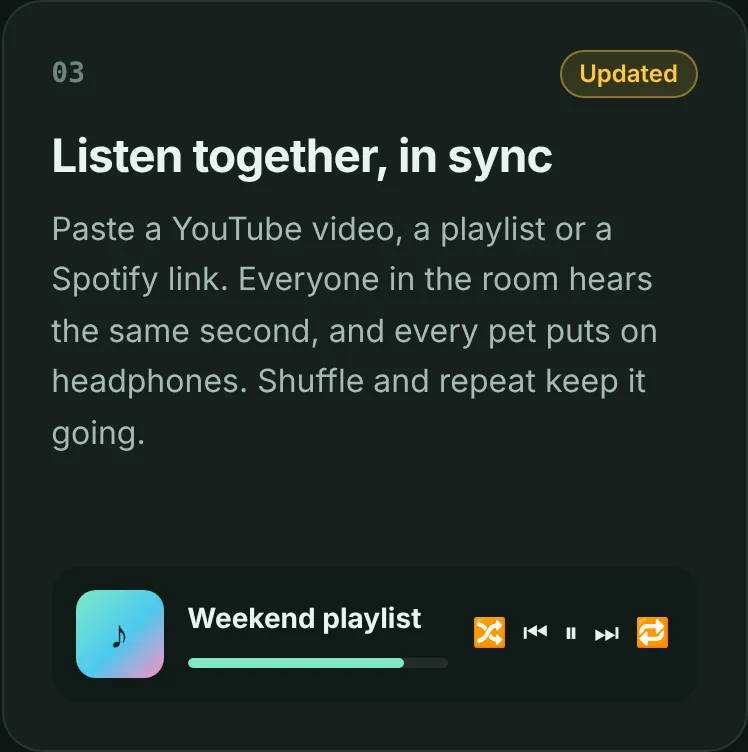
Anyone in the room can play, pause, skip and add songs to the queue, so it feels like passing the aux cord around. Shuffle and repeat (all or one) keep the music going, and the room remembers what you played.
Why it stays in sync
The room shares the song’s position using the server’s clock instead of each computer’s own clock. When someone joins late or their internet hiccups, the player jumps to where everyone else is, so you’re never a few seconds behind your friends.
Room sizes
- A room fits 11 people: the host plus 10 friends.
- With Nibble Premium, rooms fit 21 people.
A mini player that stays out of the way
While you’re in a room, a small player sits in the corner of the Hub. Show the video, just the controls, or a tiny 🎧 button, and tuck it away automatically while you play games. The music keeps playing either way.
Quick questions
Do my friends need Spotify Premium?
Spotify decides how much of a track each person can play, depending on their own Spotify account. YouTube links play for everyone.
Is it free?
Yes. Listen Together is free for everyone. Premium only makes rooms bigger.
Get Nibble, free
A desktop pet for Windows 10/11 and macOS 12+. No ads. Your pet lands on your desktop about a minute after you download.