 nibble
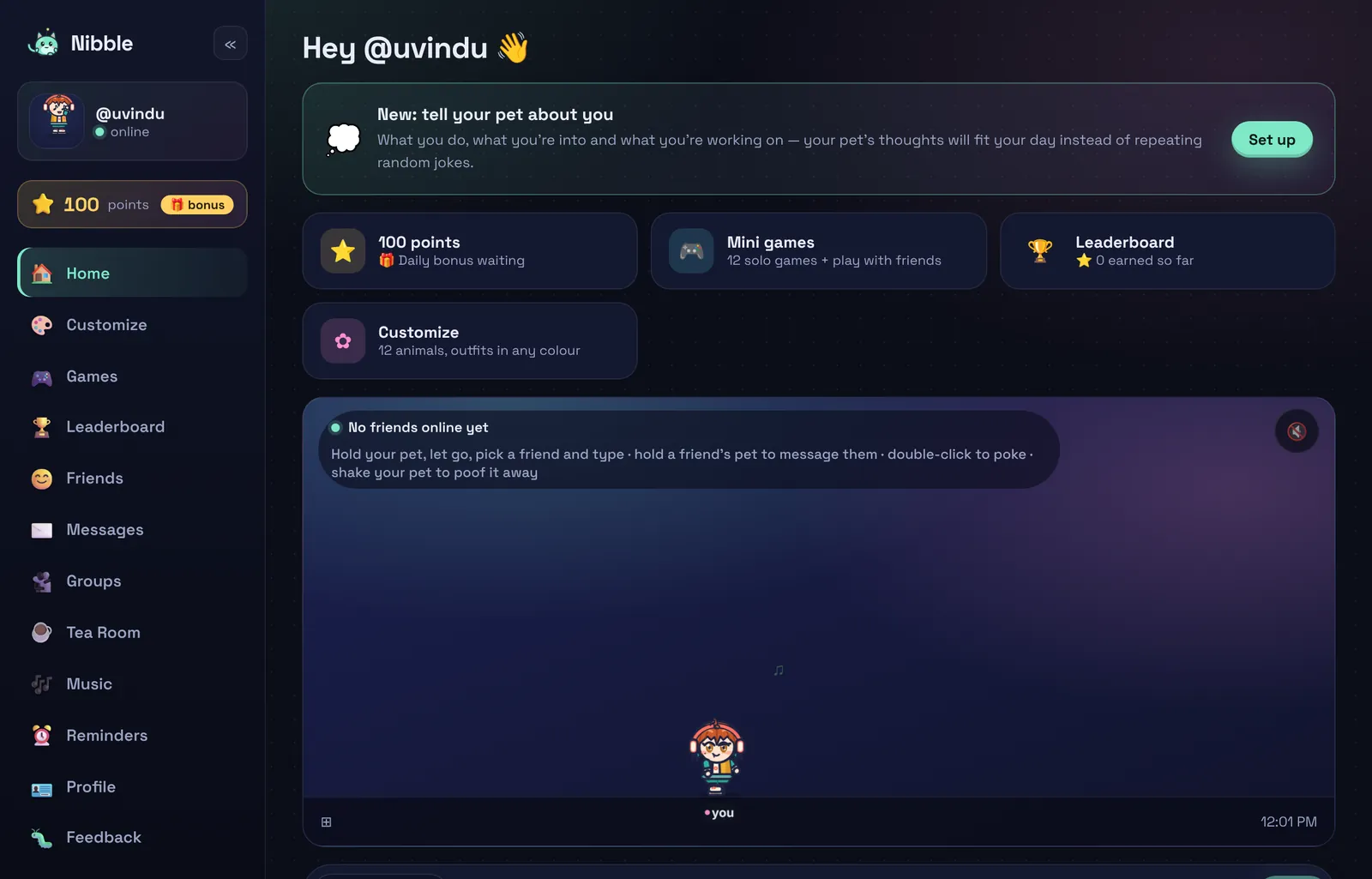
The heart of Nibble is a small pet that shares your screen. It isn’t stuck in a box: it treats your open windows like furniture. Here’s everything it does and every way to play with it.
It knows where your windows are
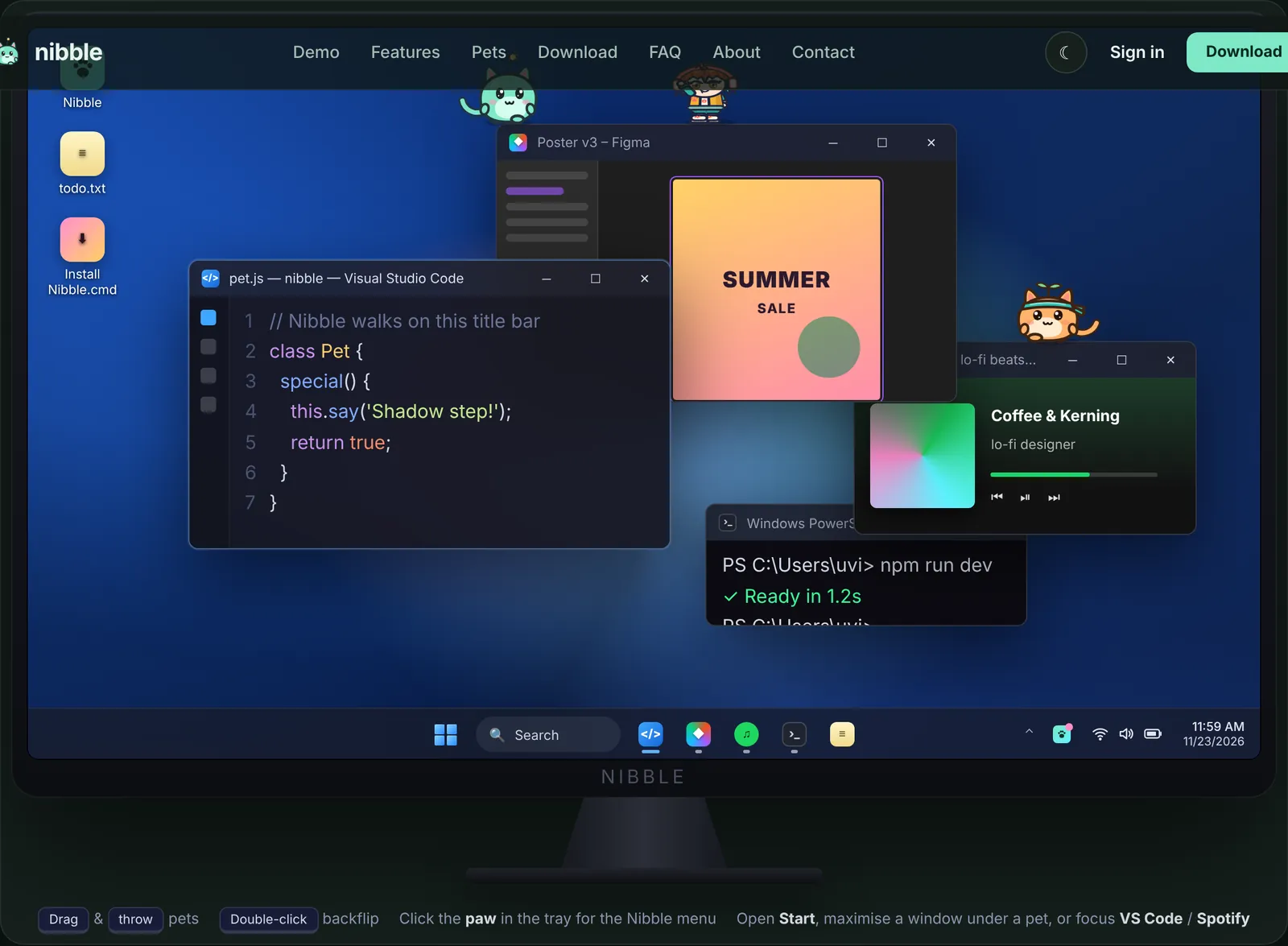
Nibble keeps track of the windows on your screen, so your pet can walk along the top edge of a window, jump to the next one and drop down onto the taskbar or the Dock. Drag a window and the pet rides along. Maximise a window underneath it and it climbs back on top.
It reacts to what you’re doing
Open a code editor and your pet might sit down and “code with you”. Open a design app, a music player or a game and it has something to say about it. Leave your desk and it curls up and naps until you’re back. In full-screen apps and games it steps aside so it never covers your movie or your match.
Every way to play with it
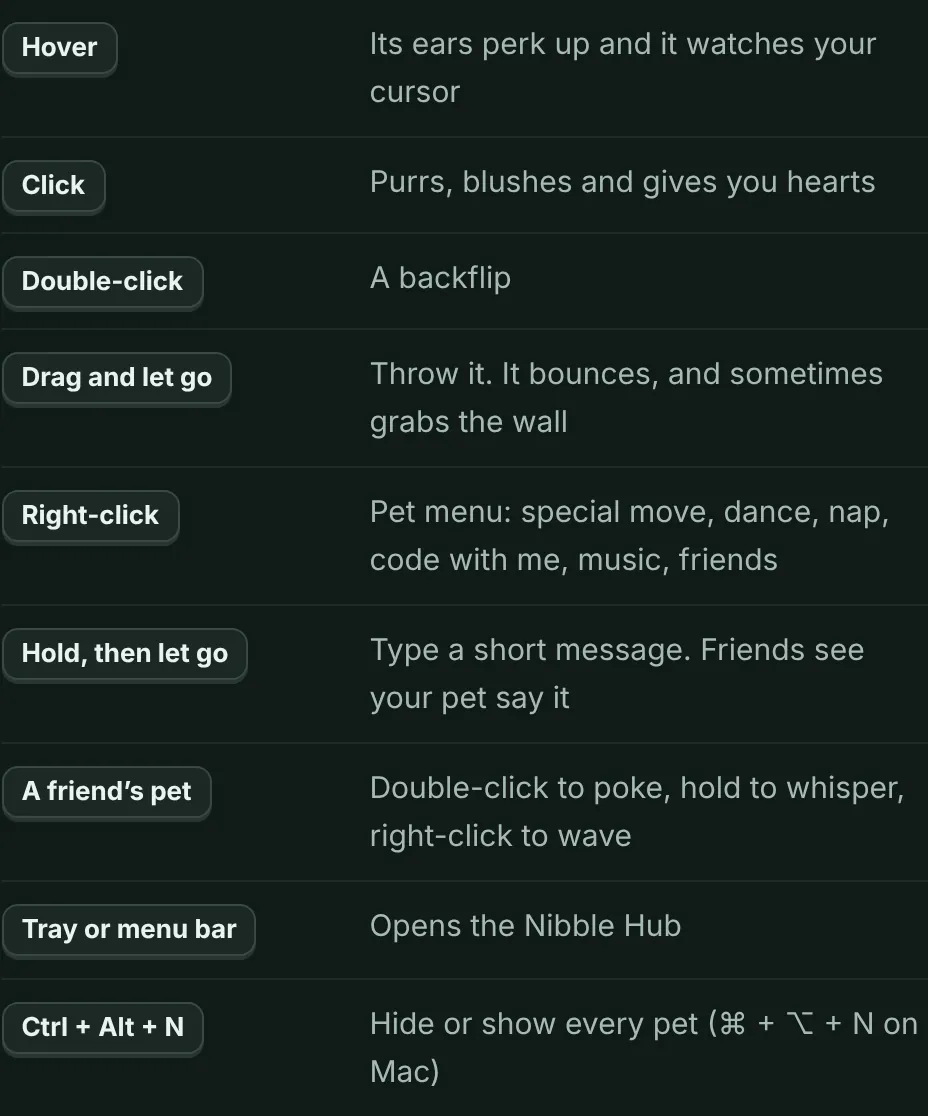
- Hover: its ears perk up and it watches your cursor.
- Click: it purrs, blushes and gives you hearts.
- Double-click: a backflip (or the character’s own special move).
- Drag and let go: throw it. It bounces, and sometimes grabs the wall.
- Right-click: the pet menu, with special move, dance, nap, code with me, music and friends.
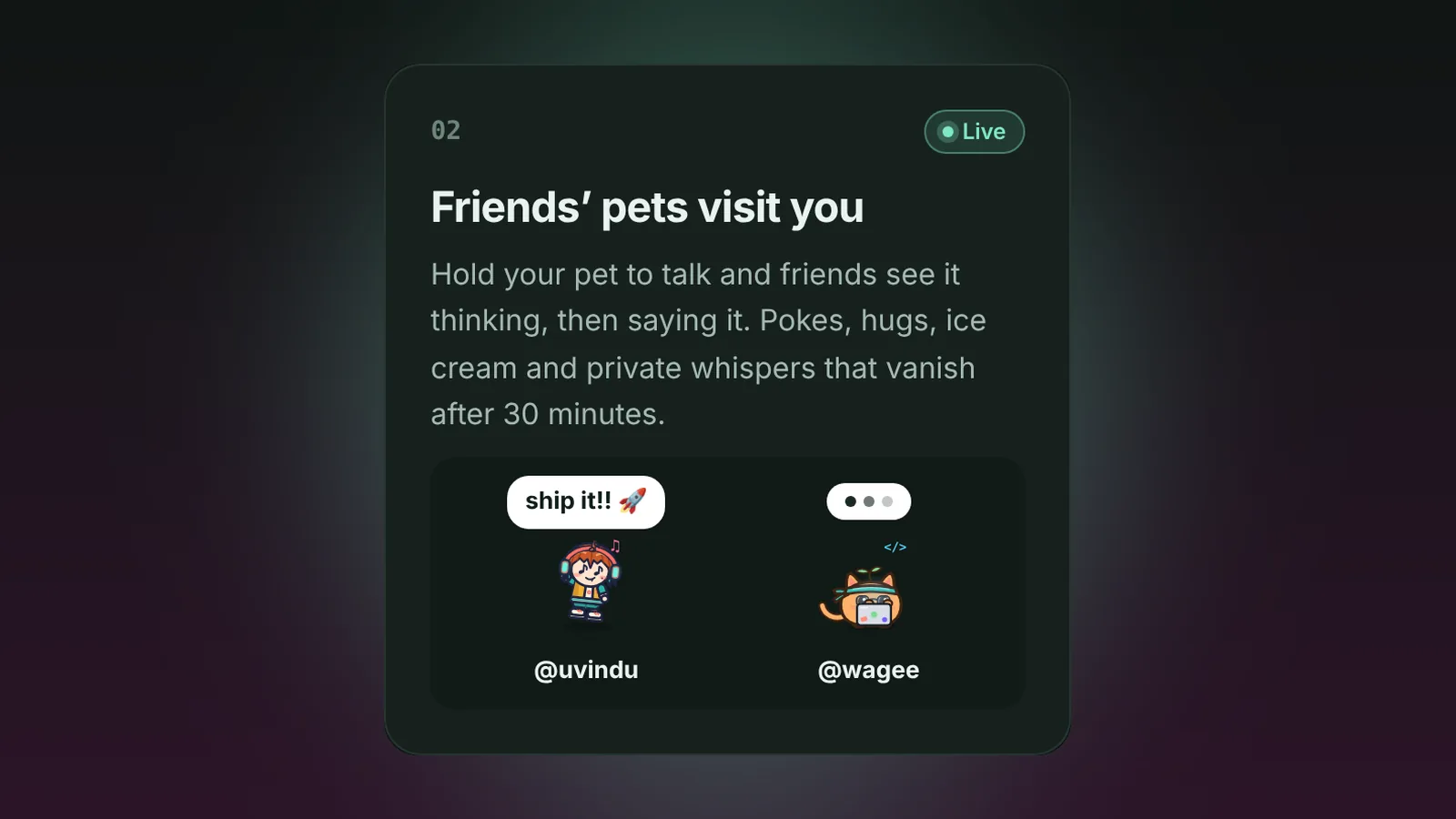
- Hold, then let go: type a short message, and friends see your pet say it.
Reminders that come from your pet
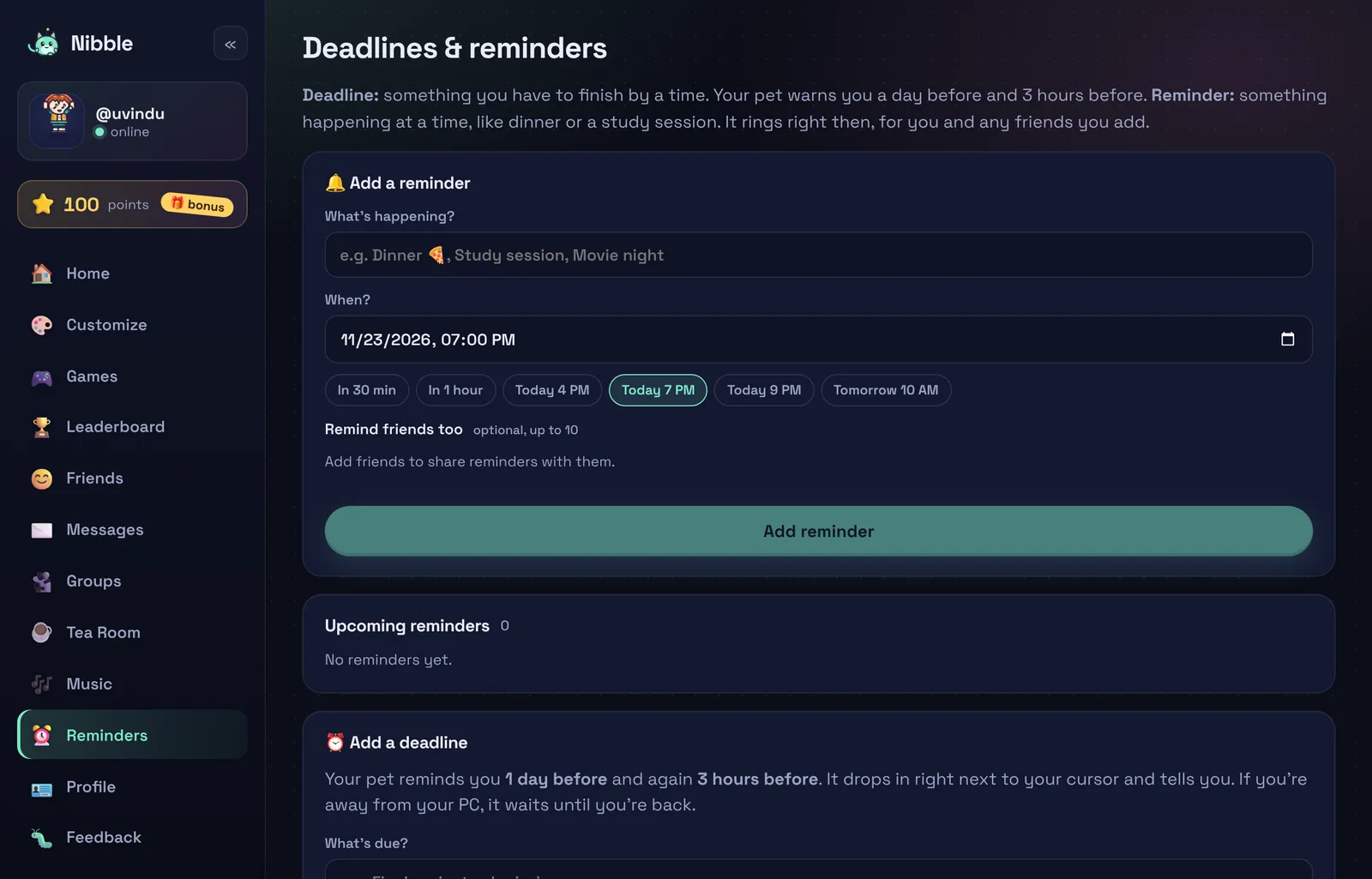
A pet is a nicer messenger than a pop-up. In the Hub you can set:
- Break reminders every 30, 50, 60 or 90 minutes, to stretch, drink water and rest your eyes.
- Deadlines: your pet reminds you a day before and again a few hours before.
- Shared reminders that ring for you and up to 10 friends at the same moment, handy for study groups or a movie night.
Make it as quiet or as chatty as you like
Choose the pet’s size, how chatty it is (silent, quiet, normal or chatty), whether it follows your cursor, plays soft sounds or interacts with your other pets. You can run more than one pet at a time, and they’ll chat, dance and occasionally squabble (fix it with ice cream 🍦).
Quick questions
How do I hide the pet quickly?
Press Ctrl + Alt + N on Windows or ⌘ + ⌥ + N on Mac to hide or show every pet.
Can I start Nibble with my computer?
Yes. Turn on “Start with Windows” or “Open Nibble when I log in” in the Hub settings or the tray menu.
Get Nibble, free
A desktop pet for Windows 10/11 and macOS 12+. No ads. Your pet lands on your desktop about a minute after you download.