 nibble
A desktop pet is a small animated character that lives on your computer screen, on top of your other windows. It walks around, reacts when you click it, naps when you leave and keeps you company while you work or study. Think of a tiny roommate that never asks you to do the dishes.
Desktop pets have been around since the early days of personal computers. Today they’re back, because a lot of us spend all day at a desk and a little life on the screen makes it feel less lonely. Nibble is a free, modern desktop pet for Windows and Mac, and it’s the one we make, so we’ll use it as the example throughout.
What does a desktop pet actually do?
A good desktop pet is more than a sticker on your wallpaper. Here’s what Nibble does on day one:
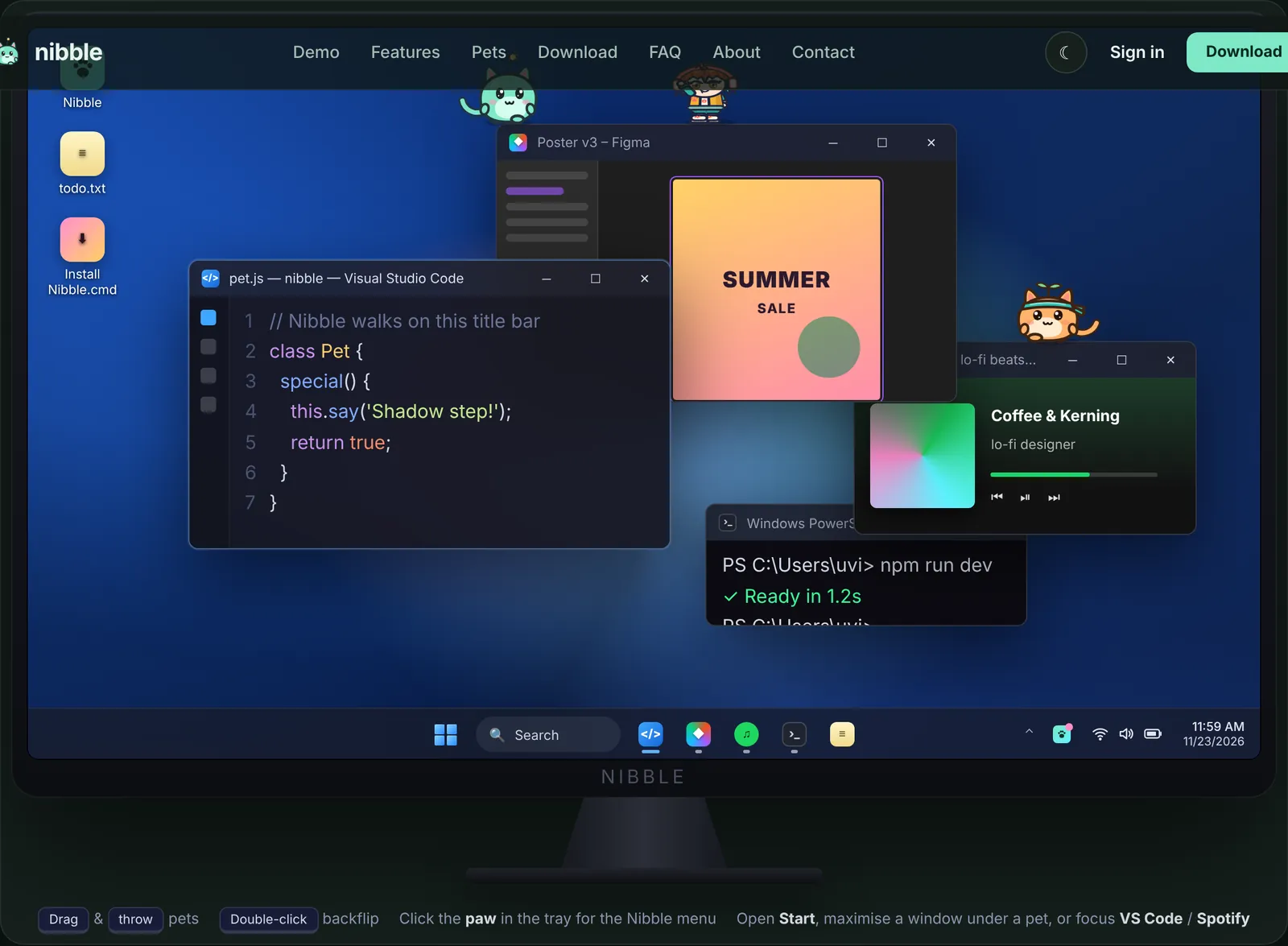
- Walks on your windows. It strolls along title bars, hops between windows and lands on the taskbar or Dock.
- Reacts to you. Hover and its ears perk up. Click and it purrs. Double-click for a backflip. Drag it and throw it, and it bounces.
- Notices what you’re doing. Open a code editor, a design tool or a game and it reacts. Step away and it falls asleep.
- Keeps you healthy. Optional break reminders every 30, 50, 60 or 90 minutes, plus deadline reminders.
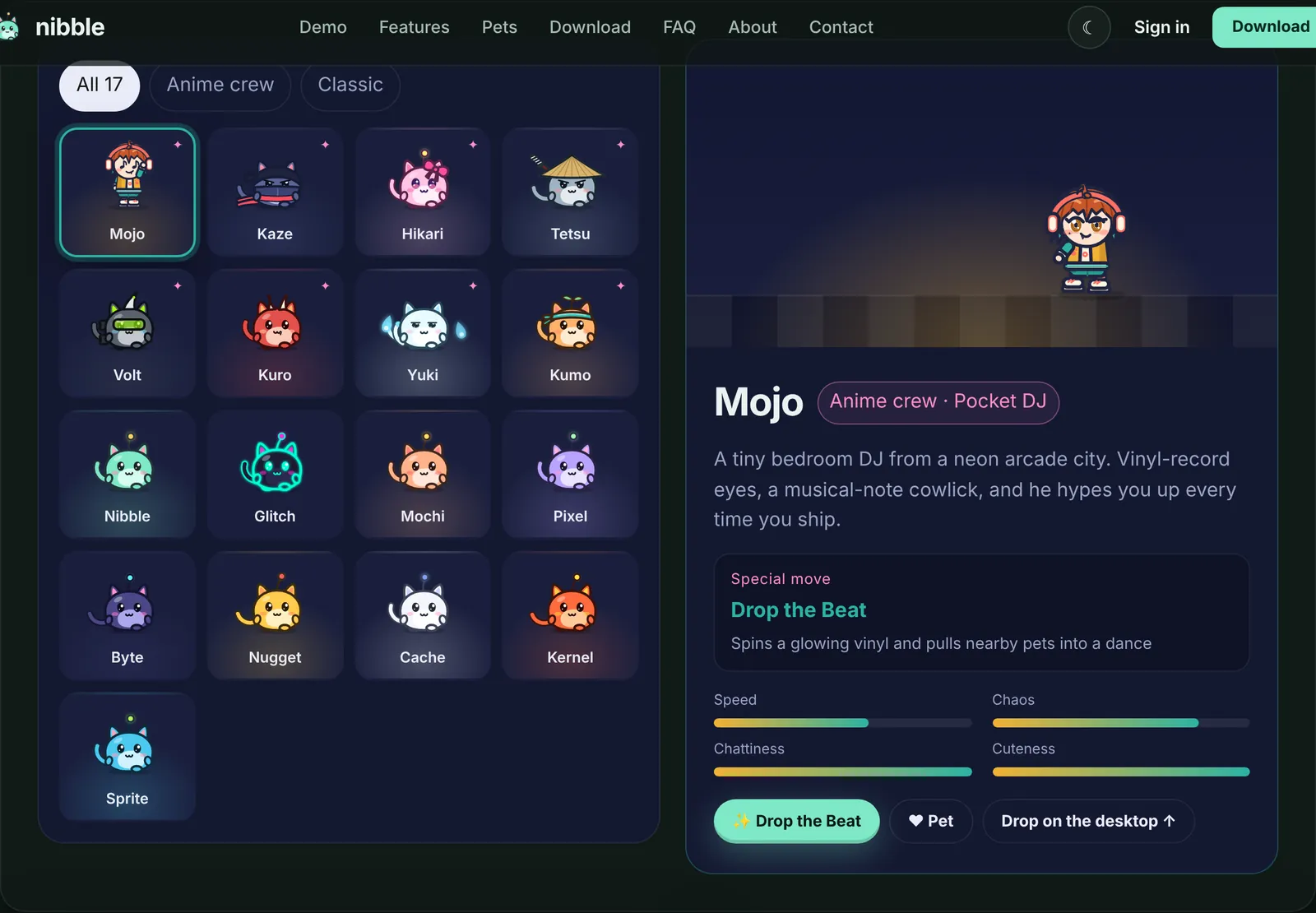
- Has a personality. Every character has its own lines, walk and special move. You choose how chatty it is, from silent to chatty.
Desktop pet vs. virtual pet vs. widget
A virtual pet (like the egg-shaped keychain toys) needs feeding and care, and gets sad if you forget it. A widget sits in one corner and shows information. A desktop pet sits in between: it moves freely over your whole screen, it’s there for company and fun, and it never dies if you ignore it for a weekend.
Will a desktop pet slow my computer down?
It shouldn’t. Nibble sleeps when you’re away and steps aside in full-screen apps and games, so it won’t get in front of your movie or your match. In normal use it needs about as much as one browser tab. If you ever need a clean screen, press Ctrl + Alt + N (⌘ + ⌥ + N on Mac) to hide every pet instantly.
What makes Nibble different
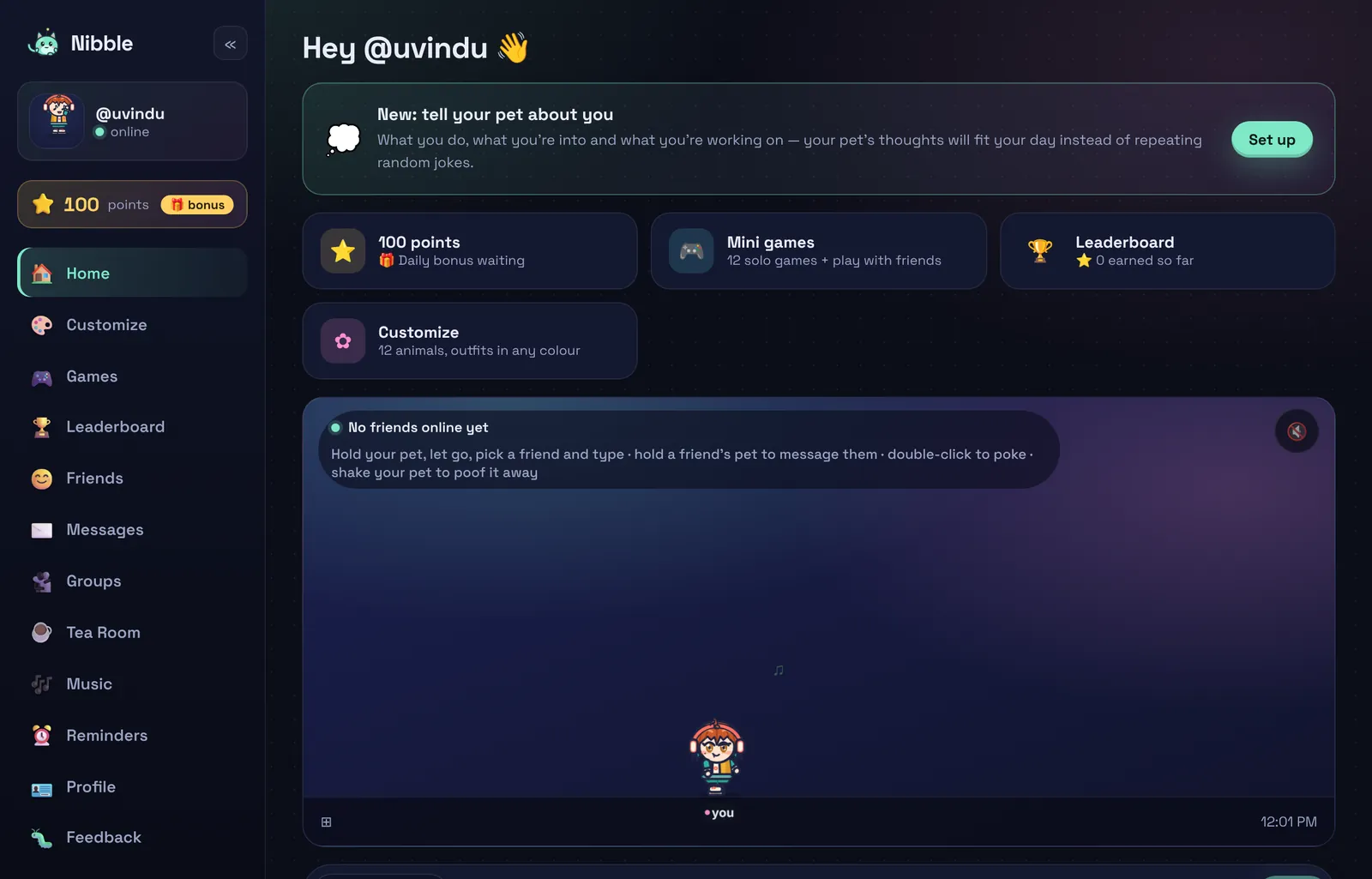
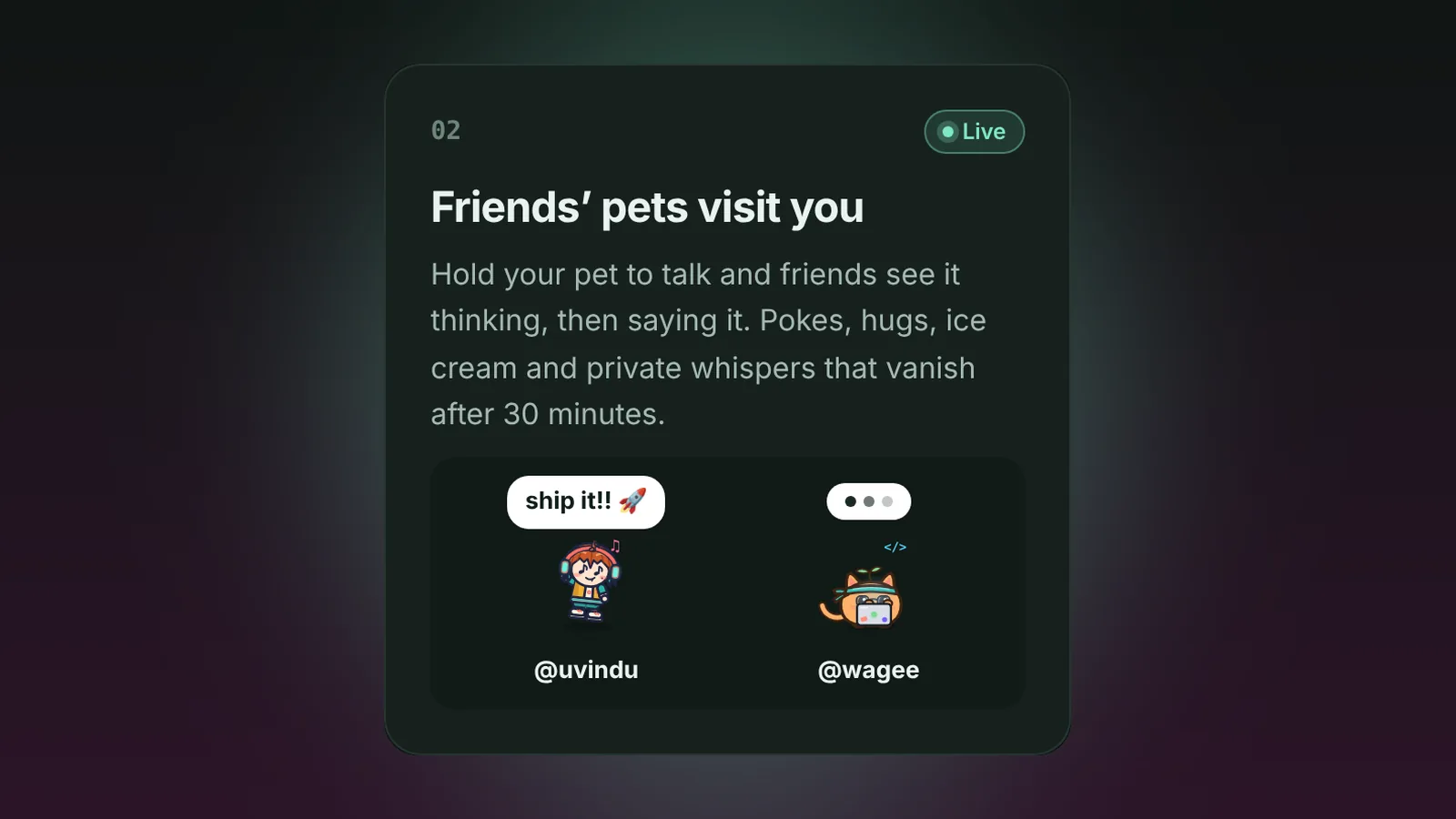
Most desktop pets live alone on one computer. Nibble is social: add friends by username and their pets visit your desktop while you’re both online, with a little name tag. You can send messages through your pets, poke, hug, share ice cream, play mini games for points and listen to music together.
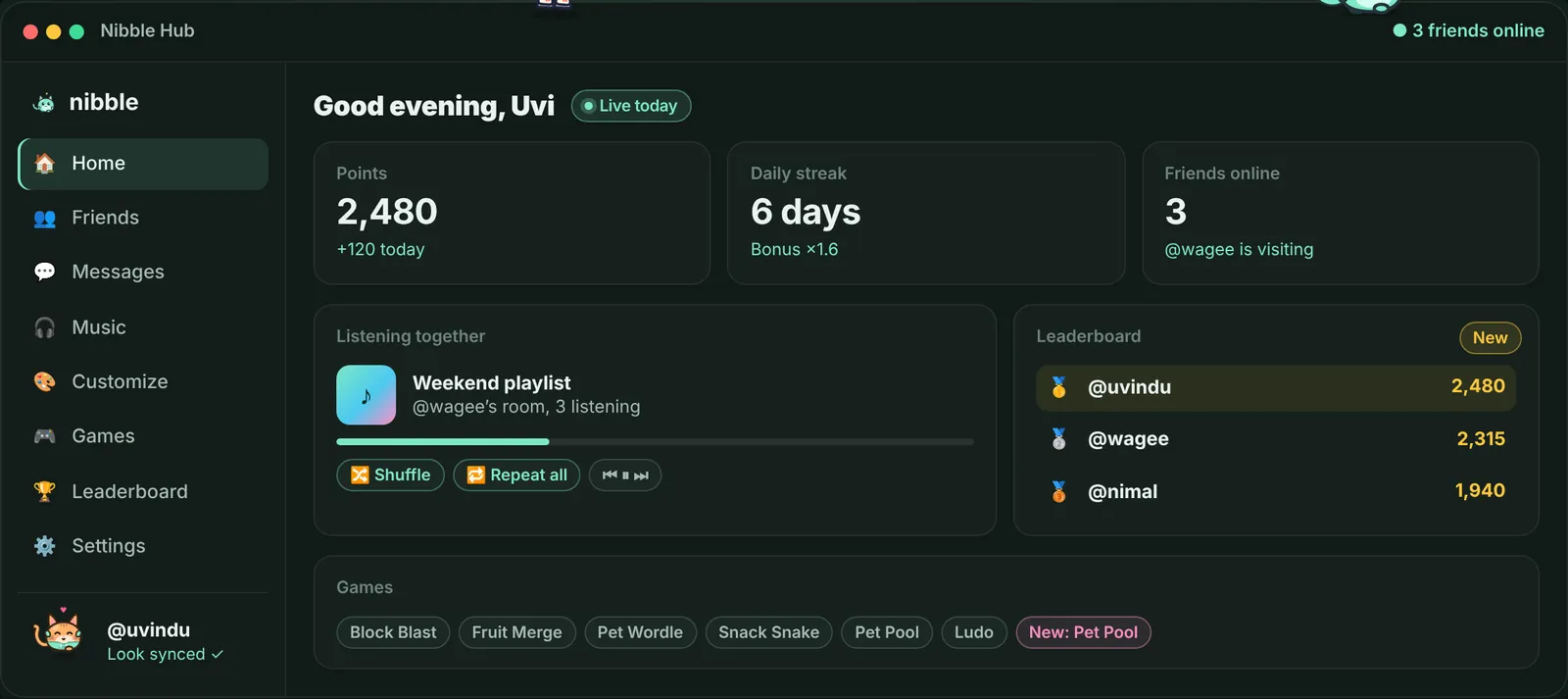
Everything lives in the Nibble Hub, which opens from the tray (Windows) or the menu bar (Mac). The same Hub also runs in your browser at meetnibble.com/app, so you can check messages from any computer.
How to get a desktop pet in a minute
- Go to the download section and pick Windows or Mac.
- Run Get-Nibble.exe on Windows, or open Nibble.dmg and drag Nibble to Applications on Mac.
- A pet lands on your desktop. Open the Hub to choose your animal or character, and sign in if you want friends.
Quick questions
Is Nibble really free?
Yes. Every pet, game and social feature is free, with no ads. There’s an optional Premium subscription with a few extras, and points are earned by playing, never bought.
Does it work on Mac?
Yes, on macOS 12 or newer, on Apple silicon and Intel Macs. It also runs on Windows 10 and 11, and the Hub works in any browser.
Can it see what I type?
No. Nibble only checks which app is in front so the pet can react, and the names of your apps never leave your computer.
Get Nibble, free
A desktop pet for Windows 10/11 and macOS 12+. No ads. Your pet lands on your desktop about a minute after you download.